Guide
Set up your studio
Complete your studio profile and connect payouts before your first event.
Verified against the app on Updated
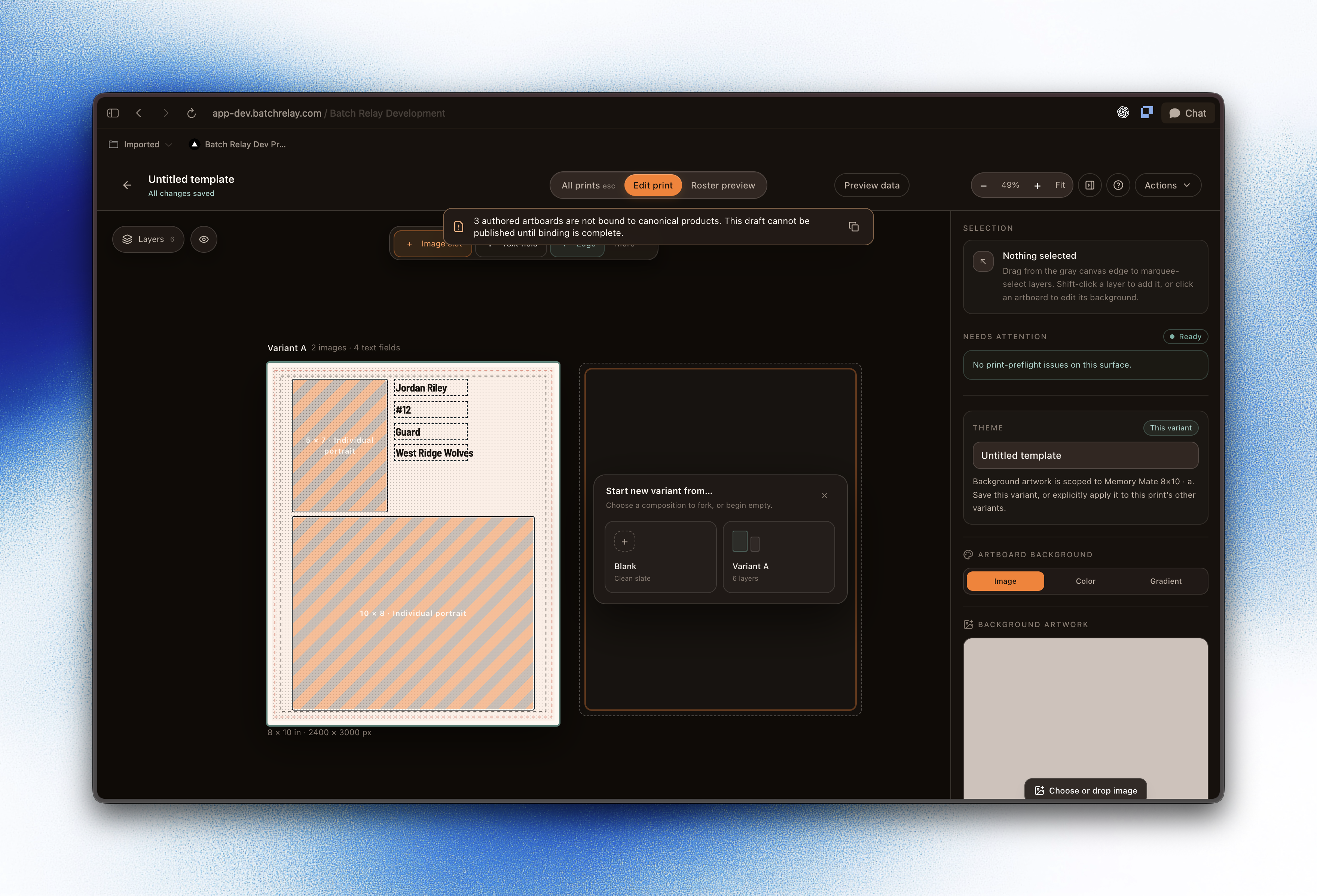
Get your studio ready to run its first storefront: a complete profile and a connected payout account.
Prerequisites
- A Batch Relay studio account
- Your business or payout details on hand
What you'll do
Work through the two steps below in order. Each one takes a few minutes.
Steps
Related Steps
Was this helpful?
Contact us